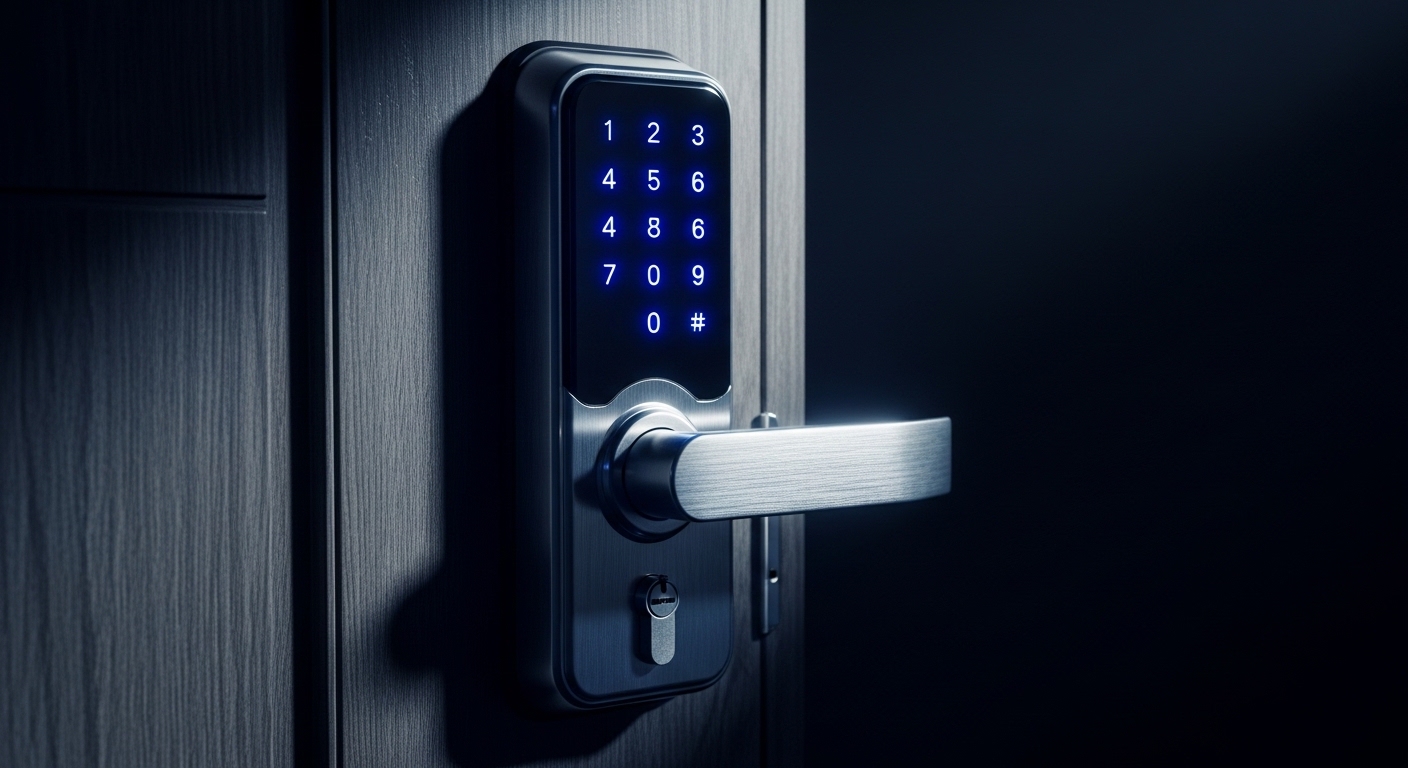
Smart locks add convenience — and shift part of your door's security to Bluetooth, cloud accounts and firmware.
Here: real attack paths, brand trade-offs, Matter/Home Key context, and an interactive audit. All quizzes · Jump to audit
📑 Table of Contents
- How smart locks work: hardware and protocols
- Unlock methods: security vs convenience trade-offs
- The real risks: how smart locks get attacked
- Smart vs traditional lock: which is actually safer?
- Brand security comparison: Nuki, Yale, August, Schlage, Aqara
- 2026 update: Matter, Apple HomeKey and local-first security
- What happens when the battery dies?
- How to choose a truly secure smart lock
- 10 steps to configure your smart lock safely
- Interactive: Smart Lock Security Audit
- Frequently Asked Questions
1. How Smart Locks Work: Hardware and Protocols
A smart lock replaces or adds to your mechanical lock with an electrically controlled motor. Instead of turning a physical key, an electronic mechanism receives an authorized signal and actuates the latch.
Core components
- Electric motor: physically turns the bolt to lock or unlock.
- Communication module: Bluetooth Low Energy (BLE), Wi-Fi, Zigbee, Z-Wave, Matter or a combination.
- Encrypted processor: verifies the unlock signal is legitimate before acting.
- Power supply: AA batteries or rechargeable pack (independent of mains power).
- Control app: manages access, creates temporary invitations, shows access history.
- State sensor: detects whether the door is open, closed, locked or unlocked.
Three types of installation
| Type | Installation | Keeps physical key? | Best for | Example |
|---|---|---|---|---|
| Retrofit (over existing lock) | Mounts over your existing cylinder from inside | ✅ Yes | Renters, no-drill preference | Nuki Smart Lock Ultra, Tedee Go2 |
| Cylinder replacement | Replaces only the lock cylinder | ⚠️ Depends on model | Homeowners wanting cleaner look | Yale Linus L2, Aqara U100 |
| Full lock replacement | Replaces the entire lock hardware | ❌ Usually not | US market, new installations | Schlage Encode, August Smart Lock Pro |
✅ For renters: Retrofit locks (Nuki, Tedee Go2) are the safest choice for apartments. They install without drilling, don't modify the door, and retain the physical key as a backup. You can take them with you when you move. If the tech fails, the traditional key always works from outside.
2. Unlock Methods: Security vs Convenience Trade-offs
| Method | Security | Convenience | Main risk |
|---|---|---|---|
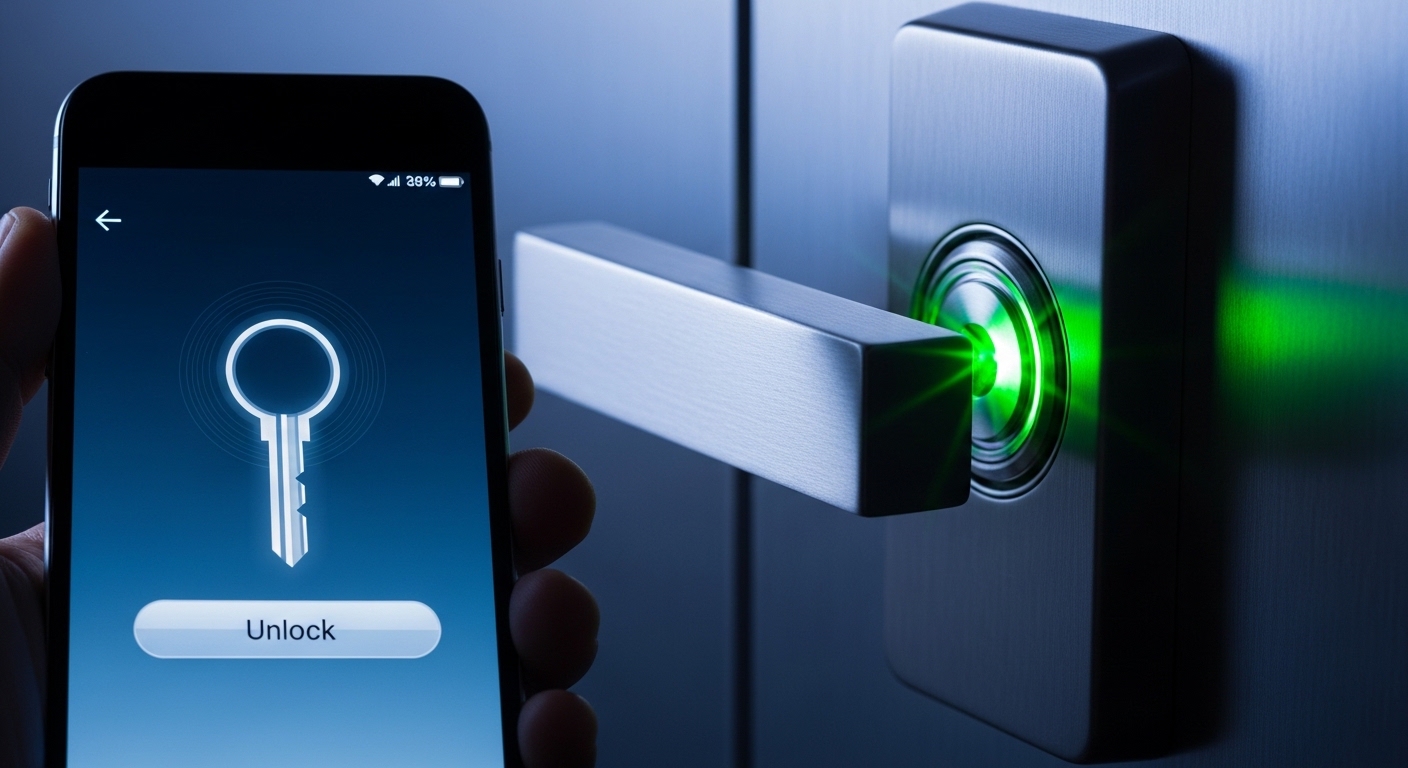
| 📱 App (Bluetooth) | 🟢 High (E2E encryption) | 🟢 High | Phone theft — thief gets key |
| 📶 Auto-unlock (proximity) | 🟡 Medium | 🟢 Maximum | Relay attack, accidental trigger |
| 🔢 Numeric keypad (PIN) | 🟡 Medium | 🟢 High | Shoulder surfing, worn key marks |
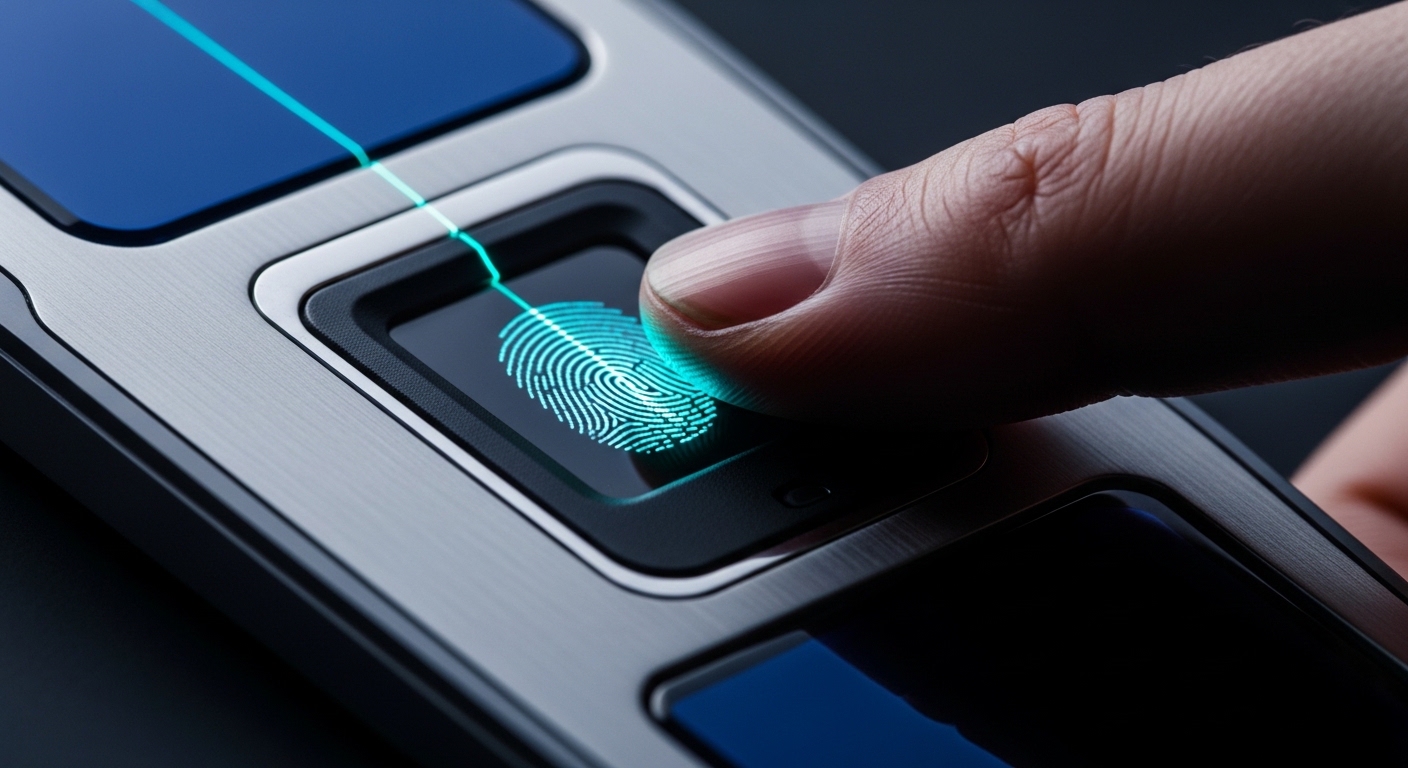
| 👆 Fingerprint biometric | 🟢 High | 🟢 High | Fails with wet/dirty fingers |
| 📱 Apple HomeKey (NFC) | 🟢 Very high | 🟢 Maximum | Phone theft (though works with dead phone) |
| 🗝️ Physical key (backup) | 🟢 Time-tested | 🟡 Medium | Key copy, lock picking |
| 🗣️ Voice assistant (Alexa) | 🔴 Very low | 🟢 High | Anyone outside can shout the command |
| 🌐 Remote access (cloud) | 🟡 Medium | 🟢 High | If cloud account gets compromised |
⚠️ Disable voice unlock immediately: Never configure your smart lock to open with an Alexa or Google Assistant voice command. Anyone standing outside your door — a stranger, a neighbor, a child — could say the command and walk right in. This is not theoretical: it has happened.
3. The Real Risks: How Smart Locks Get Attacked
Let's be honest about the documented attack vectors — not movie-style hacking, but real-world threats:
📡 1. Relay Attack (Bluetooth signal amplification)
The attacker uses two devices to amplify your phone's Bluetooth signal. One device is placed near you (e.g., near you at a coffee shop), the other near your door. Your lock "thinks" your phone is nearby and unlocks. This is the same technique used to steal modern keyless-entry cars.
Defense: Disable auto-unlock. Use manual app opening (requires unlocking your phone first). Some locks like Nuki offer "Intent-to-Open" requiring a deliberate tap in the app.
🔑 2. Cloud Account Compromise
If your Nuki, Yale or August account password is weak or was exposed in a data breach, an attacker can log in and unlock your door from anywhere in the world. This is statistically the most likely real-world attack vector.
Defense: Generate a unique random password + enable 2FA on every smart lock account.
📶 3. Bluetooth Replay Attack
On cheap, poorly designed locks, an attacker can intercept the Bluetooth unlock signal and replay it later to gain entry. Quality locks prevent this by using one-time authentication tokens (each unlock signal is unique and cannot be reused).
Defense: Only buy brands that explicitly document one-time token authentication (Nuki, Tedee, Yale Linus all do this).
🐛 4. Firmware Vulnerabilities
An unpatched firmware bug can let attackers bypass authentication entirely. Cheap no-name locks never release firmware updates, meaning vulnerabilities discovered after purchase remain permanently exploitable.
Defense: Only buy brands with a documented, ongoing firmware update program. Enable auto-updates where available.
🔌 5. Vendor Shutdown Risk
If the company behind your smart lock closes or discontinues the product, the cloud service goes offline and — for cloud-dependent locks — you may no longer be able to control your own door remotely. This happened with Lockitron in 2024.
Defense: Choose locks that support local protocols (Matter, Zigbee, Z-Wave) or have a standalone Bluetooth mode that works without cloud.
💡 The honest truth: In practice, the vast majority of home break-ins happen through physical force (kicked doors, pried windows), not digital exploits. A burglar will always prefer a crowbar to attempting to crack AES-256. The biggest risk is usually not digital — it's physical. But a smart lock with a weak cloud account adds a genuine new attack surface that traditional locks don't have.
4. Smart Lock vs Traditional Lock: Which Is Actually Safer?
| Factor | 🔑 Traditional lock | 📱 Smart lock |
|---|---|---|
| Key copying | 🔴 Any locksmith can copy it | 🟢 No physical key to copy (digital access) |
| Lock picking | 🔴 Vulnerable to classic techniques | 🟢 Does not apply to the electronic motor |
| Locked out | 🔴 Locksmith call = $150+ | 🟢 Open with phone, PIN, fingerprint or backup key |
| Access log | 🔴 No record of who entered | 🟢 Full timestamped history in the app |
| Temporary access | 🔴 Must physically copy and hand over keys | 🟢 Digital invitations with expiration time |
| Intrusion alert | 🔴 You don't know until you get home | 🟢 Instant push notification on your phone |
| Remote access revocation | 🔴 Must change the lock or re-key | 🟢 Revoke any user instantly from the app |
| Digital attack surface | 🟢 Not hackable (purely mechanical) | 🟡 Possible but difficult if properly configured |
5. Brand Security Comparison: Nuki, Yale, August, Schlage, Aqara
| Brand / Model | Encryption | Connection | 2FA | Firmware updates | Matter | Security rating |
|---|---|---|---|---|---|---|
| Nuki Smart Lock Ultra | AES-256 + TLS 1.3 | BT + WiFi | ✅ Yes | 🟢 Frequent | ✅ Yes | ⭐⭐⭐⭐⭐ |
| Tedee Go2 | AES-256 + TLS 1.3 | BT + WiFi | ✅ Yes | 🟢 Frequent | 🟡 Planned | ⭐⭐⭐⭐⭐ |
| Yale Linus L2 | AES-256 | BT + WiFi | ✅ Yes | 🟢 Regular | ✅ Yes | ⭐⭐⭐⭐ |
| Aqara U100 (HomeKey) | AES-128 + HomeKit | BT + Zigbee | ✅ Yes | 🟢 Regular | 🟡 Via HomeKit | ⭐⭐⭐⭐ |
| Schlage Encode Plus | AES-128 | WiFi + BT | ✅ Yes | 🟢 Regular | ✅ Yes | ⭐⭐⭐⭐ |
| August Smart Lock Pro | AES-128 + TLS | BT + WiFi | ✅ Yes | 🟢 Regular | 🟡 Via bridge | ⭐⭐⭐⭐ |
| Samsung SHP series | AES-128 | WiFi + BT | ⚠️ Limited | 🟡 Irregular | ❌ No | ⭐⭐⭐ |
| Unknown brand (cheap) | 🔴 Unknown/none | WiFi direct | ❌ No | 🔴 Never | ❌ No | ⭐ |
💡 The ANSI rating matters in the US: In the US, look for locks with an ANSI/BHMA Grade 1 mechanical rating (the highest residential grade). Schlage's Encode Plus has Grade 1 hardware — meaning the physical deadbolt is extremely difficult to kick in, regardless of its smart features.
6. 2026 Update: Matter Protocol, Apple HomeKey and Local-First Security
🏠 Matter: The Game-Changer for Smart Lock Privacy
Matter is a new open smart home standard backed by Apple, Google, Amazon and Samsung. For smart locks, it means genuinely local control without cloud dependency. A Matter-enabled lock (like Nuki Smart Lock Ultra or Yale Linus L2 with Matter) can be controlled entirely within your local network — no internet required, no company servers, no vendor shutdown risk.
Matter also enables seamless interoperability: your lock works with Apple Home, Google Home, Amazon Alexa and Samsung SmartThings simultaneously. This is the future of private smart home security.
🍎 Apple HomeKey: Open the Door With a Dead iPhone
Apple HomeKey (available on Aqara U100, Schlage Encode Plus, Lockly and others) uses Ultra Wideband (UWB) and NFC for highly secure, proximity-aware unlocking. The key credential is stored in the iPhone's Secure Enclave — the same chip that protects Apple Pay. This means:
- The unlock signal cannot be intercepted or replayed
- Works even with a dead iPhone battery (via NFC on certain models)
- Shareable digital keys via iPhone's Wallet app with expiration controls
- No third-party cloud — Apple's HomeKit handles the cryptography locally
🔒 Netatmo: No-Internet Smart Lock for Maximum Privacy
Netatmo's Door Lock works without a constant internet connection by design. All authentication happens locally via Bluetooth. No cloud dependency means zero vendor shutdown risk and zero remote account takeover possibility. It's the ideal choice for users prioritizing maximum privacy over cloud features.
✅ 2026 recommendation: For maximum security and privacy, choose a lock with Matter support + local fallback (Nuki Ultra, Yale Linus L2). For Apple ecosystem users, the Aqara U100 with HomeKey offers the highest cryptographic security available for a consumer smart lock today.
7. What Happens When the Battery Dies?
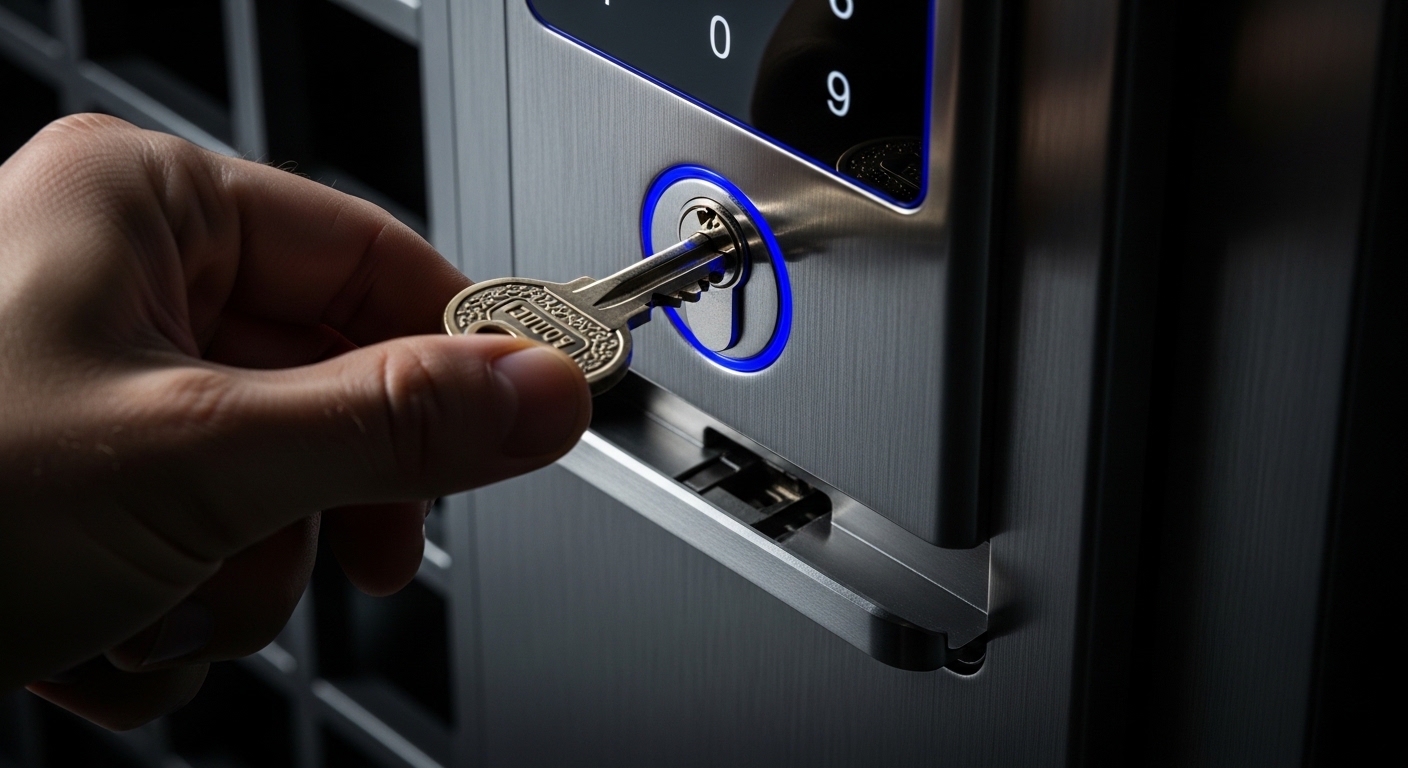
This is the number-one concern for smart lock skeptics. The honest answer: you will not get locked out of your home — if you choose the right lock.
- 🔑 Physical key backup: On retrofit models (Nuki, Tedee), your original mechanical key always works from outside. The smart lock is on the inside, so the physical cylinder remains accessible.
- 🔋 Early warning: The app notifies you weeks in advance when battery drops below 20%. You have plenty of time to replace or recharge.
- 🔌 Emergency power: Many models have external contacts where you can touch a 9V battery or power bank to temporarily power the lock for a single unlock.
- 📱 NFC unlock (HomeKey): Apple HomeKey-compatible locks work via NFC even when the iPhone battery is dead — the NFC chip in iPhone requires almost no power.
- Battery life reality check: Quality locks (Nuki, Tedee, Yale) last 6–12 months on standard AA batteries with normal use. Cheaper locks may drain in weeks.
8. How to Choose a Truly Secure Smart Lock
Demand that any lock you consider meets these minimum requirements:
- AES-256 encryption on Bluetooth and cloud communications.
- Two-factor authentication (2FA) support in the app.
- Physical key backup (especially for retrofit/apartment installs).
- Firmware updates — verifiable, documented history of patches.
- One-time authentication tokens — prevents replay attacks.
- Local/offline mode — lock works even if company servers are down.
- GDPR-compliant data storage (EU servers for European users) or explicit US privacy policy.
- Access audit log — who opened the door and when.
🔐 Your door now opens with a password
A weak smart lock account password is the digital equivalent of leaving your house key under the doormat. Generate an uncrackable unique password for every lock account.
Generate a Secure Password →9. 10 Steps to Configure Your Smart Lock Safely
- Use a unique randomly-generated password for the main account. Never reuse it anywhere else.
- Enable 2FA on your account using an authenticator app (not SMS if possible).
- Disable voice-assistant unlocking — no Alexa/Google "unlock the front door" commands. Ever.
- Configure auto-unlock carefully — or disable it if your threat model demands it. The convenience is real but so is the relay attack risk.
- Review shared access periodically. Revoke expired permissions for contractors, ex-roommates or ex-partners immediately.
- Update firmware the same day a notification appears. Critical vulnerabilities are regularly patched.
- Use a secure Wi-Fi network (WPA3/WPA2) for your home. A compromised router is a compromised lock network.
- Don't announce on social media that you have a smart lock — you're publishing your security model to strangers.
- Enable push notifications for every door event. You'll know instantly if something unexpected happens.
- Keep a physical key copy with a trusted person outside your home — emergency insurance that costs nothing.
🔒 Interactive: Smart Lock Security Audit
Check the security measures you currently have active. Your score updates instantly.
🚪 Smart Lock Security Score — 12 Measures
Check each protection you have active for your smart lock setup. Higher score = safer front door.
Frequently asked questions
Tap a question to expand the answer.
Can smart locks be hacked?
Yes — relaying Bluetooth, stolen cloud credentials, bad firmware and replay on cheap hardware are documented. Strong brands with modern crypto are hard to beat over the network; physical break-in stays the common threat.
Smart lock vs traditional?
Premium + well configured wins on logging and access control. Cheap no-name smart can be worse than a decent deadbolt.
Relay attacks?
Disable naive auto-unlock or require explicit in-app intent; some vendors document anti-relay features.
Apple Home Key?
Credential in Secure Enclave; NFC/UWB. Check each lock's official compatibility list before buying.
Renting?
Interior retrofit kits often preserve the landlord's exterior key; read your lease.
Vendor shuts down?
Prefer local/Matter/Zigbee or Bluetooth fallback so a dead cloud does not brick access.