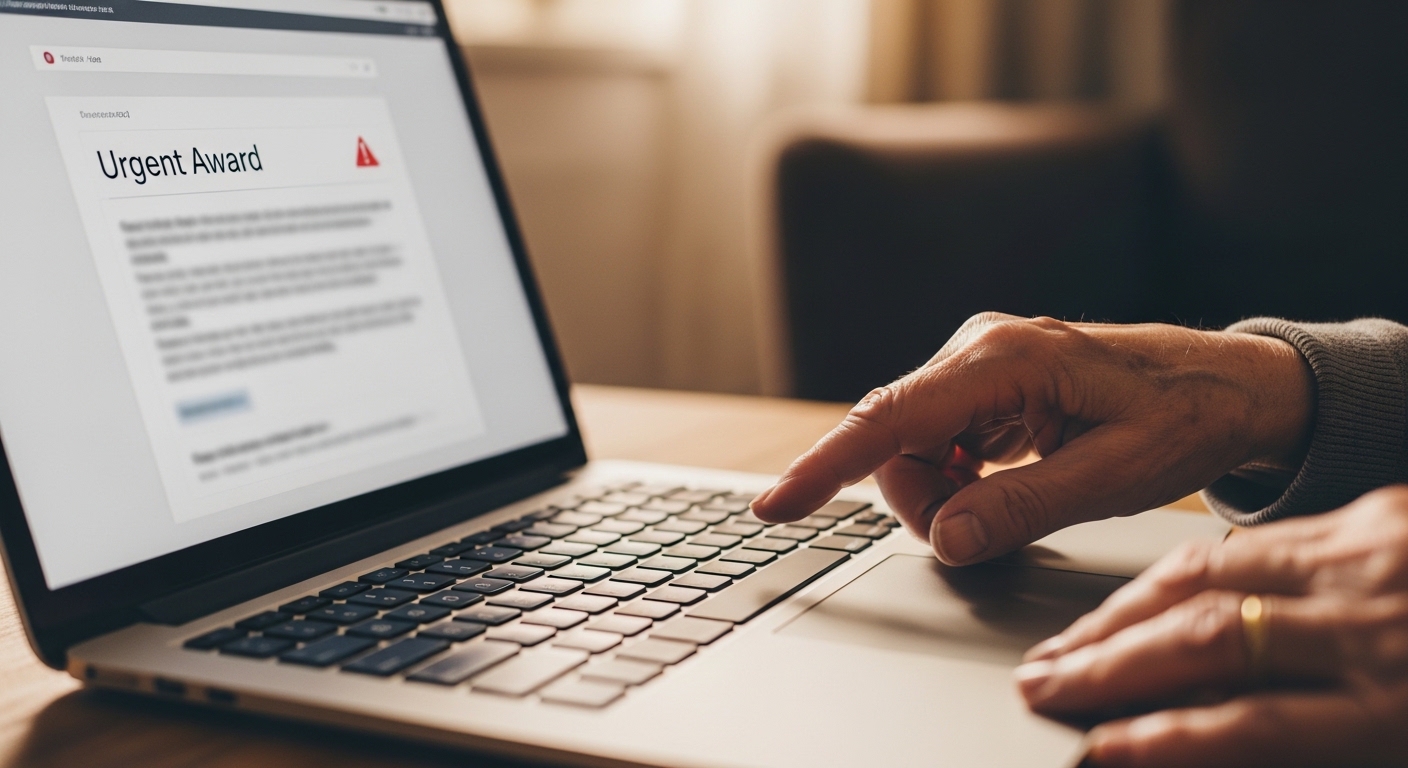
Cybercriminals often target seniors because scams can look more convincing and calls/messages can feel urgent. The good news is that most attacks follow predictable patterns.
This guide is written for real life: simple rules to follow, security settings to enable, and what to do if you get scammed.
📑 Table of Contents
⚠️ Biggest risks for seniors
- Phishing emails that look like banks or delivery services.
- Tech support fraud (“we found a virus, pay to fix it”).
- Fake account alerts and “verify now” messages.
- Social media scams and impersonation.
Warning: scammers often try to rush you. If a message creates fear or urgency, pause and verify.
✅ Daily habits that prevent most scams
- Do not click “verify” links from unexpected messages.
- Call back using the official number from the real website.
- Never share verification codes with anyone.
- Ask a trusted person before paying or installing software.
- Use strong, unique passwords (a password manager helps).
For scam message red flags, read: What Is Phishing and How to Protect Yourself.
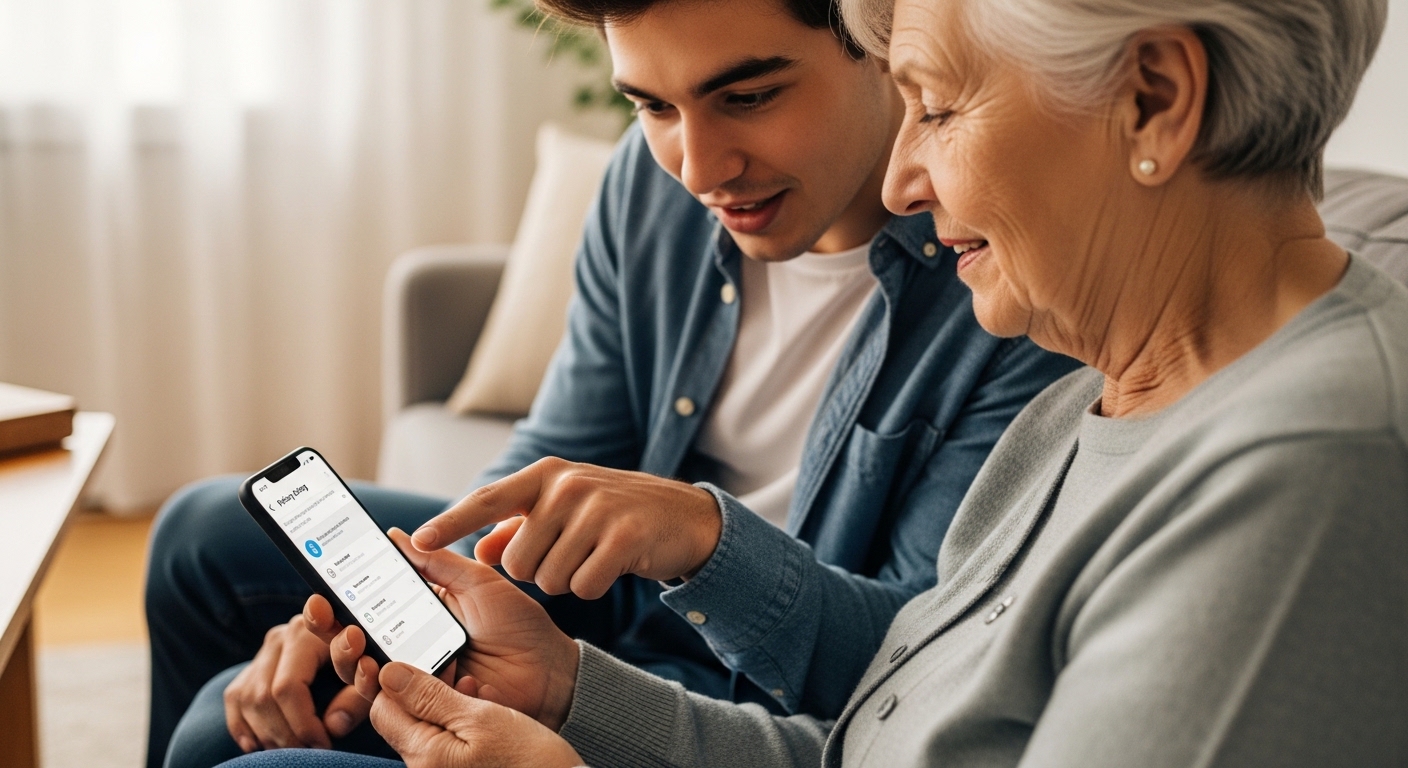
🛡️ Set up protections on devices & accounts
- Enable 2FA and prefer authenticator apps over SMS.
- Turn on security alerts and sign-in notifications.
- Keep recovery email/phone settings secure and up to date.
- Update browser and system software.
📱 Device security basics (phone and PC)
- Use a device unlock PIN and enable screen lock after inactivity.
- Install apps only from official stores.
- Check for suspicious permissions (access to notifications, accessibility, or remote control).
- Keep antivirus/anti‑malware enabled.
🚨 What to do if scammed
If you clicked a link, installed something, or shared a code:
- Disconnect and stop interacting with the scam messages.
- Secure your email account first (password + 2FA) and remove unknown sessions/devices.
- Change passwords for critical accounts using a new unique password.
- Report the scam and monitor for follow-up attempts.
Emergency recovery steps: What to Do If Your Account Was Hacked.
⚡ Make it easy to stay safe
Security works best when it becomes a routine. Start by enabling 2FA and using unique passwords.
Mini-quiz: online safety for seniors
Five situations. Tap Risky when it matches a scam pattern, Solid when it is a calm, safe response.
Five scenarios
Feedback after each answer.
correct out of 5