Phishing means making you believe a message is from your bank, USPS, the IRS, your employer… so you click, download, or type passwords and data into a fake site or app. It stays one of the highest-volume cybercrime problems; industry groups track millions of phishing sites and attacks per month. In 2026 the text can be perfect thanks to AI — looking for typos alone is not enough.
Here you get: the attack chain, major types (email, SMS, voice, QR, targeted…), signals tied to SPF/DKIM/DMARC and passkeys, US-focused examples, what to do if you already submitted data, how to report (FTC, APWG, NCSC), verification tools, and a short interactive quiz.
2026: polished, personalised lures (breach data, LinkedIn, AI). Defence is channel and domain (open the real site yourself), strong 2FA, a password manager, and a family safe word for urgent calls.
✅ Fast rule: urgency + link + asks for password or card → almost always phishing. Close it; use the official URL you type or the real app.
📑 Table of contents
🎣 What is phishing?
Social engineering online: they impersonate someone you trust to obtain passwords, 2FA codes, cards, or files. Channels include email, SMS (smishing), calls (vishing), QR codes (quishing), social DMs, or work chat.
⚙️ How it works (typical chain)
- Impersonation: copied branding and “From:” labels; mail may look like your bank while the real domain differs (spoofing). At the mail layer, SPF, DKIM, DMARC cut forgery — when policies are weak, scams still reach the inbox.
- Hook: fear, greed, or authority (“your CEO” wants a wire).
- Trap: link to a cloned site or a malicious attachment. HTTPS only encrypts; it does not prove who owns the site.
- Theft: what you type is captured; you may be sent to the real site so nothing feels wrong.
Why can email “look like” your bank? Display names are cosmetic. SPF lists who may send for the domain; DKIM signs messages; DMARC tells providers to reject or quarantine misaligned mail. Strict DMARC blocks a lot of spoofing; loose policies leave gaps. You still should not trust the friendly name — open services through a path you choose.
📋 Types and channels (quick reference)
| Type | Channel | What it is / example |
|---|---|---|
| Mass | “Your account expires” blasts; volume game. | |
| Spear | Email / Teams | Uses your name, projects, or colleagues (prior OSINT). |
| Whaling / BEC | Fake “CEO” payment or vendor bank change (business email compromise). | |
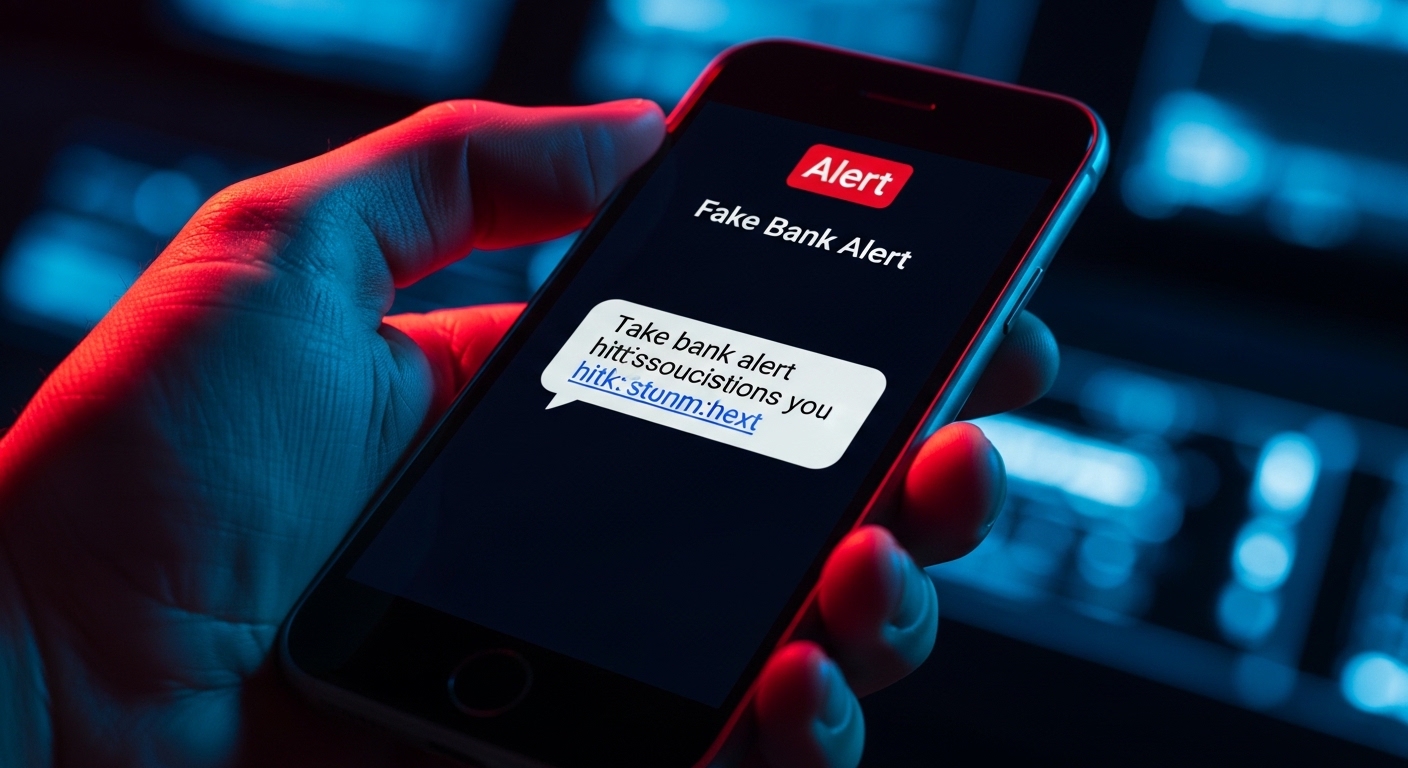
| Smishing | SMS / WhatsApp | Package fee, “bank alert” with a short link. |
| Vishing | Voice | Asks for codes “being sent to you” or remote access. |
| Quishing | Physical QR | Sticker over a parking meter or menu QR. |
| Clone / SEO | Email / search | Resent thread with a bad link or ads mimicking support in search. |
| Pharming | DNS / router | Redirects even if you type the right host (rarer on home gear). |
🔎 Signals and URLs
- Sender: real domain, not only the display name.
- Links: hover without clicking; beware shorteners and typosquatting (
arnazon.com, 0/O swaps). - Extreme urgency and “account deleted in hours”.
- Asks for password, PIN, CVV, or 2FA by email/SMS — almost never legitimate.
- Unexpected attachments (.exe, macros).
Search and ads matter too: “support” or bank lookalikes can sit at the top of results. For help, use the URL you already know or the official app — not the ad.
Recognisable service domain; if unsure, open the site yourself.
📱 Very common in the US
- USPS / “package”: SMS with a small fee to release delivery; fake page steals card data. Track only at usps.com or the retailer’s site.
- IRS / “refund”: links to “claim” money; the IRS does not initiate contact that way for sensitive login + payment.
- DMV / tolls: short deadlines and odd domains; check only your state DMV or official toll portal.
🤖 AI, voice, and quishing
Copy can be flawless. Voice cloning needs little public audio; malicious QR stickers appear on meters and menus. Conversational scams (chat, “support”) may ask you to paste codes or “verify” in a window they control. Use a safe word with family, hang up and call the published number, never read 2FA codes to an inbound caller, and read deepfake context.
🛡️ Protection (passkeys, DMARC…)
- Banking and taxes: type the URL or use the official app, not the message link.
- 2FA via app or security key; SMS is weaker if they trick you into reading the code aloud.
- A password manager won’t fill credentials on the wrong domain.
- Passkeys / FIDO2 where available: phishing-resistant compared to typing the same password into a clone.
- Organisations: DMARC plus training reduces domain abuse; sensitive wires need out-of-band confirmation (known phone, internal process). BEC losses are often a bad transfer, not a virus.
- Updated browser; don’t open unsolicited attachments.
2FA limits: stolen sessions or “tell me the code” calls still work. Prefer TOTP or FIDO over SMS when possible (reduces SIM swap risk). MFA fatigue: don’t approve push prompts you didn’t trigger.
🚨 If you clicked or entered data
- Cut network on that device if something downloaded or the screen looks wrong.
- Card or bank: number on the card back or official site; fraud block.
- Email or other account: from another device, change password (generate a strong one), sign out everywhere, check forwards and rules.
- Same password elsewhere — change it there too.
- Save evidence (screenshots, headers) and report (below).
🛠️ Verification and technical layers
| Resource | What it’s for |
|---|---|
| Safe Browsing / SmartScreen | Warnings on known bad URLs; keep the browser updated. |
| VirusTotal / urlscan.io | Check a URL or file before opening; preview the site without visiting. |
| Manager + passkey / FIDO2 | Less auto-fill on clones; keys bind to the real origin. |
| uBlock Origin | Blocks many malicious and tracking domains; good passive layer. |
📣 How to report
- Email client: “Report phishing” / “Report junk”.
- US: forward to
[email protected]; fraud at ReportFraud.ftc.gov; business compromise can go to IC3 when appropriate. - UK:
[email protected](NCSC). - EU / Spain:
[email protected](INCIBE-CERT); citizen help via OSI.es. - Bank / carrier: fraud line if money or SIM is involved.
- Do not use Unsubscribe on suspicious mail — it confirms the address.
🧠 Quiz: five scenarios
Five situations. Mark phishing or legitimate; at the end you’ll see your score and what gave it away.
Five scenarios: phishing or legitimate
Choose for each one; you’ll see your score and the explanation at the end.
Scenario 1 of 5
correct answers out of 5
❓ Frequently asked questions
Tap a question to expand the answer.
Is it dangerous to only open the email or SMS?
Usually no: reading the text does not “hack” your phone. Risk comes from clicking, attachments, or typing data into a fake page.
Does antivirus stop phishing?
It blocks malware and sometimes known URLs, but “pure” phishing is a fake site where you type secrets. A password manager, 2FA, and healthy scepticism matter more.
How do I report phishing?
Use your mail client’s report option; forward to [email protected] (US) or [email protected] (UK). See How to report for FTC, IC3, and EU paths.
Should I click “unsubscribe” on a sketchy email?
No if you suspect fraud — it can confirm the address is live. Mark as spam/phishing instead.
Are phones safer than PCs?
Not really: smishing, small screens, and fake apps are strong vectors. Same rules: official URL, manager, 2FA.
What is quishing?
Phishing via a fake QR code (sticker over a real one). If unsure, use the official site or app without scanning.
📝 In short
Phishing exploits urgency and trust; with AI-written text, “bad grammar” is a weak test. Do not act from the message’s link; use a manager plus 2FA or passkeys, and in organisations pair DMARC with out-of-band checks on payments.
⚡ Strong, unique passwords
Limit damage if one site is faked: unique passwords and 2FA on email and banking.
🛡️ Generate passwords