Official stores catch a lot — they are not malware-free. Malicious and copycat listings still ship with real downloads.
Ten warning signs, 2026 threat notes (NFC relay, preinstall…), Play vs App Store, recovery steps, and a checklist. All quizzes · Jump to checklist
📑 Table of Contents
- Why fake apps slip through official stores
- 8 types of fake apps (with examples)
- 10 warning signs to spot a fake app
- What malicious apps do with your data
- New threats in 2026: NFC attacks, pre-installed trojans, AI fakes
- Real cases: millions of downloads, all malware
- Google Play vs App Store: which filters better?
- What to do if you already installed one
- 8 golden rules for safe app downloads
- Interactive Safe App Checklist
- Frequently Asked Questions (FAQ)
1. Why Fake Apps Slip Through Official Stores
Most people assume "if it's in Google Play or the App Store, it must be safe." That assumption is dangerously wrong. Here's how attackers bypass the defenses:
Delayed malicious payloads
The app passes the initial review perfectly clean. Days or weeks after launch, a remote update or server-side configuration activates the malicious behavior. By then it has thousands of downloads.
Dynamic code loading
The malware isn't in the app's code at all — it's downloaded from an external server after installation. The app store scans what's submitted, not what gets downloaded later.
Behavior cloaking
The app detects when it's being run in a sandbox review environment and behaves perfectly. It only activates its malicious functions when it detects it's running on a real user device.
Dropper apps
An apparently innocent app (a game, a tool) is just a delivery mechanism. Once installed, it silently downloads and installs a second, more dangerous app in the background — the real malware.
⚠️ The "it's in an official store" fallacy: Cybercriminals register as legitimate developers, submit clean apps, pass review, build a rating — and then quietly introduce malware via updates. Google and Apple cannot review every update to every app in real time.
2. The 8 Most Common Types of Fake Apps
| Type | How they disguise | What they actually do | Typical example |
|---|---|---|---|
| 🔦 Fake tools | Flashlights, RAM cleaners, QR scanners, calculators | Steal data, show invasive ads, drain battery | "Super Cleaner Pro", "QR Scanner Master" |
| 🎮 Game clones | Copies of popular games (Minecraft, Among Us, GTA) | Install malware, create hidden subscriptions | "Minecraft PE Free", "GTA 6 Beta" |
| 💰 Investment apps | Fake wallets, trading apps, "easy money" promises | Steal banking credentials and cryptocurrency | "Crypto Wallet Pro", "Easy Money Trade" |
| 📸 Photo editors | AI filters, selfie editors, "beautifiers" | Steal photos, access your entire gallery, OCR | "Beauty Camera Plus", "AI Photo Editor" |
| 🔐 Fake security | Fake antivirus, free VPNs, ad blockers | Install malware or spy on all your traffic | "Free VPN Unlimited", "Super Antivirus 2026" |
| 📱 Social clones | "Premium" or "mod" versions of WhatsApp, Instagram, TikTok | Steal login credentials for the real account | "WhatsApp Gold", "Instagram++", "TikTok Pro" |
| 🤖 Fake AI apps | Pose as ChatGPT, Gemini, AI assistants, deepfake tools | Phish credentials, subscribe to scam services, steal data | "ChatGPT Pro Unlimited", "AI Video Creator Free" |
| 💳 Fake banking apps | Imitate real bank apps or payment services | Overlay attacks to capture login and card details | Fake "PayPal", fake regional bank apps |
⚠️ Free VPNs: the biggest trap. According to a recent audit, over 20 popular "free VPN" apps with a combined 700 million downloads actively track user location and sell the data to third parties. If you're not paying for a VPN, the product is you. Stick to paid, reputable VPN providers.
3. 10 Warning Signs to Spot a Fake App BEFORE Downloading
Before pressing "Install", check these 10 signals. If an app triggers two or more, it's highly suspicious:
🚩 1. Unknown or generic developer name
Legitimate apps show the real company name (e.g., "WhatsApp LLC", "Google LLC"). If the developer is called "AppDev2024", "Mobile Tools Inc" or a generic name with random numbers, be very cautious. Click the developer name to see what other apps they've published — if it's just this one, that's a red flag.
🚩 2. Few downloads but suspiciously perfect ratings
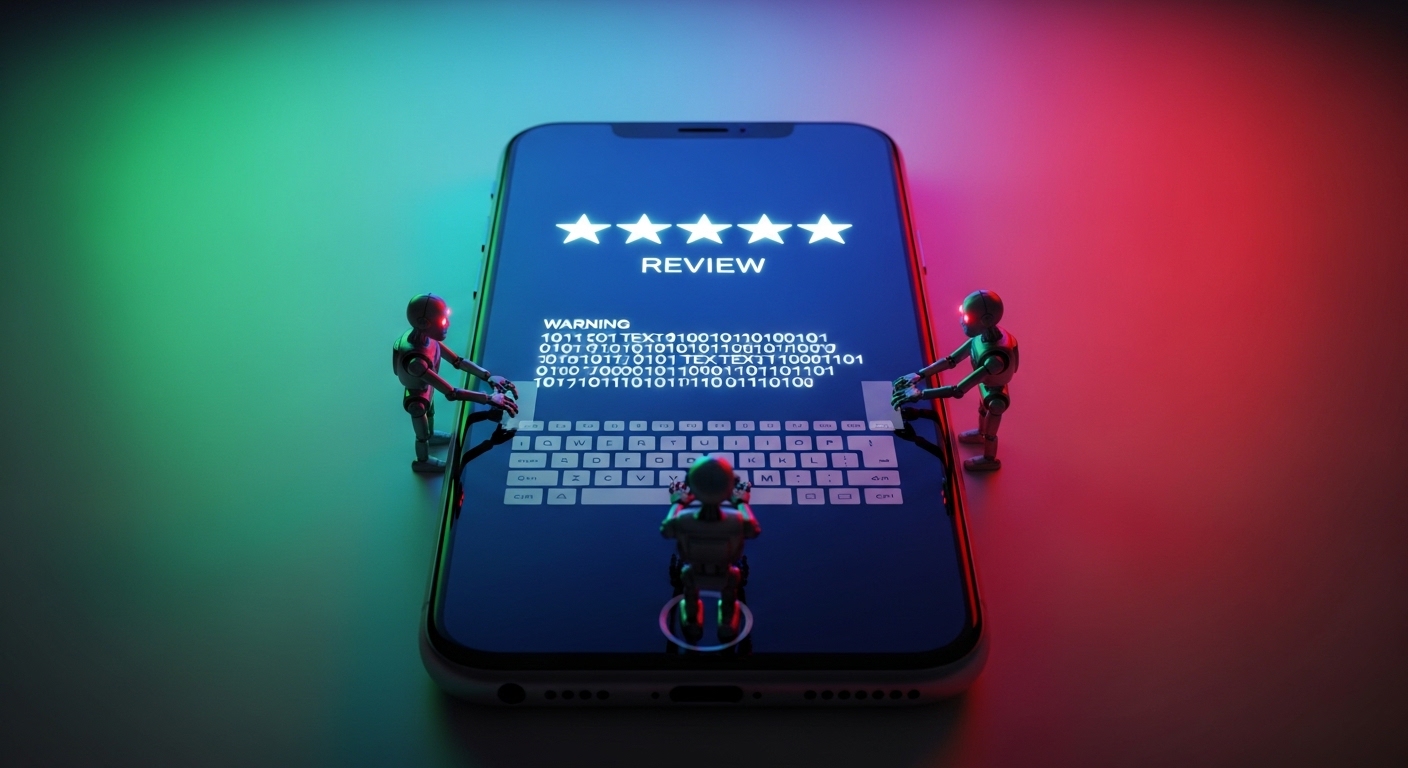
An app with 500 downloads and a 4.9-star rating should raise immediate suspicion. Those ratings were almost certainly purchased from bot farms. Legitimate popular apps accumulate both high ratings AND a realistic distribution of 1-3 star reviews from genuine users.
🚩 3. Generic or clearly fake reviews
Signs of fake reviews: all say variations of "Great app!" without any detail, many 5-star reviews published on the same exact date, reviewer names that look randomly generated, or reviews that don't mention any specific features.
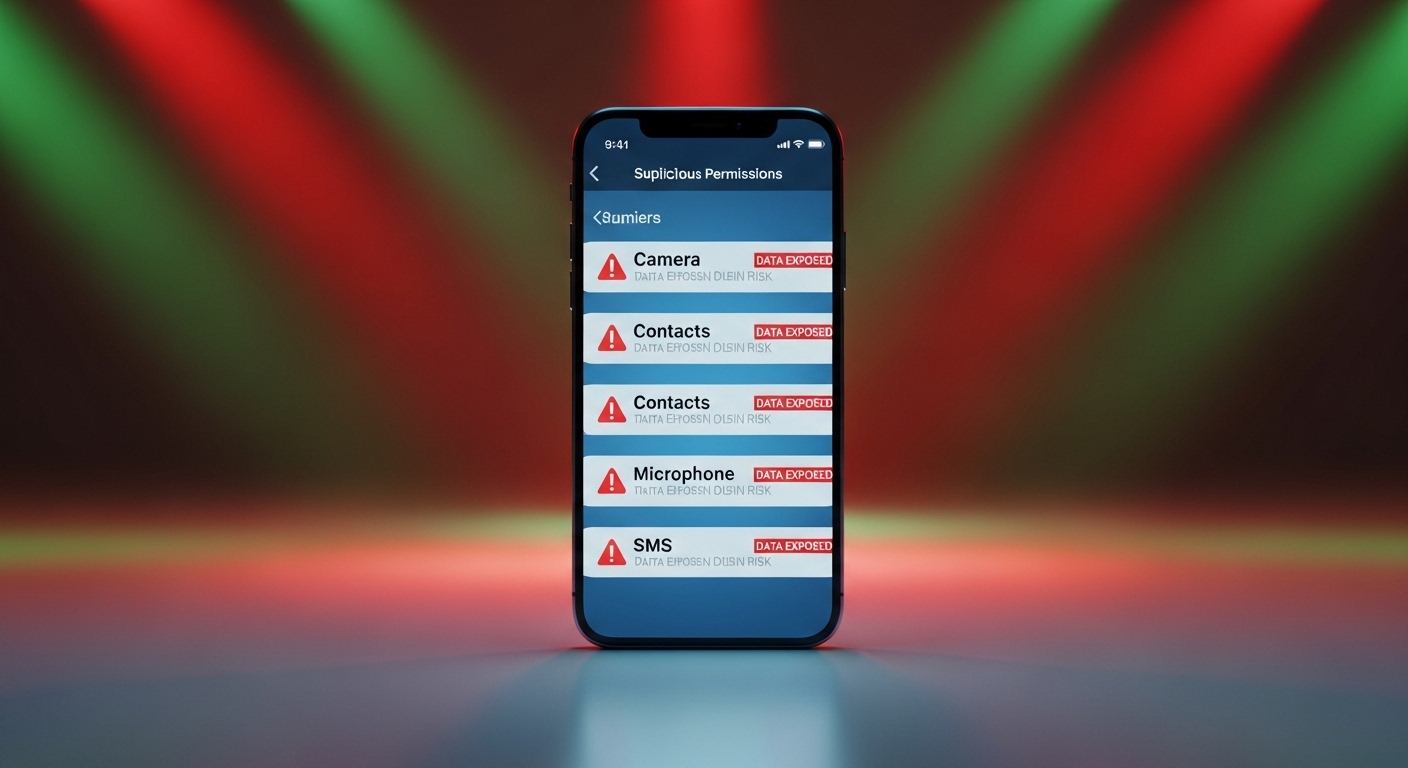
🚩 4. Excessive permissions for its stated function
Ask yourself: does this app actually need this to work?
- Does a flashlight app need access to your contacts? No.
- Does a QR scanner need microphone permission? No.
- Does a wallpaper app need your SMS access? No.
- Does a calculator need your GPS location? No.
🚩 5. Low-quality or stolen screenshots
Fake apps often have pixelated screenshots, text that's poorly cropped, UI elements that don't match the app's actual interface, or screenshots clearly stolen from the legitimate app they're imitating.
🚩 6. Typos and spelling errors in the description
Legitimate app developers proofread their listings. Fake apps are often created quickly and automatically, resulting in machine-translated text, grammatical errors, and phrases that make no syntactic sense.
🚩 7. Recently published but imitating a popular app
You search "WhatsApp" and the first result was published 3 days ago. That's obviously a malicious clone attempting to capture downloads from inattentive users. Check the release date — it's listed in the app's details page.
🚩 8. Unusual app file size
If you're downloading a simple calculator and it weighs 80 MB, something is wrong. That extra weight often contains tracking libraries, cryptomining code or malware payloads. Compare the file size with similar legitimate apps.
🚩 9. Missing or plagiarised privacy policy
Always click the privacy policy link at the bottom of the app listing before installing. If it returns a 404 error, leads to a blank page, or looks like it was copied from a generic template blog, do not install the app.
🚩 10. Name nearly identical to a popular app
They try to confuse you visually or add bait words like "Plus", "Pro" or "Free Premium". Classic examples: "WhatsApp Messenger Update", "Insta Followers Pro", "Netflix Premium Free", or character substitutions like "Netf1ix".
✅ The golden rule: Before installing any app, Google the exact name of the official developer. If the developer shown in the store doesn't match exactly — character by character — it's not the real app.
4. What Malicious Apps Do With Your Data
Once you install a fake app and grant permissions, it can do any of the following without your knowledge:
💳 Credential theft (overlay attacks)
The app displays a fake login screen that overlays perfectly on top of your real banking app. When you enter your username and password, you're sending them directly to the hacker instead of your bank. This is the most dangerous attack for financial theft.
💸 Hidden subscriptions (Fleeceware)
They offer a "free trial" and — buried in the fine print or hidden entirely — automatically enroll you in a premium subscription charging $30–$80 per week through your linked payment method in Google Play or App Store. Millions of users have lost money this way.
📊 Mass data harvesting and sale
The moment you grant access to contacts or storage, the app uploads your entire address book, photos, GPS history and browsing history to their servers, selling it to data brokers or on dark web marketplaces.
🦠 Dropper: installing additional malware
The app acts as a Trojan horse. It appears innocent but downloads and installs other malware in the background — banking trojans, stalkerware, or ransomware.
⛏️ Cryptojacking
They hijack your phone's processor to mine cryptocurrency for the attackers. You'll notice your phone overheats constantly and your battery no longer lasts half as long as before.
📱 Botnet participation
Your phone becomes part of a network of infected devices used to carry out DDoS attacks, send spam or conduct fraudulent ad clicks — all without you knowing.
💬 SMS fraud / billing fraud
The app silently sends premium-rate SMS messages or makes calls to premium numbers, adding unexpected charges to your phone bill. This type of attack is especially common in developing markets.
5. New Threats in 2026 You Need to Know About
📡 NFC relay attacks (Android)
This is one of the most dangerous new attack vectors in 2026. Here's how it works: a scammer contacts you (often via a messaging app) and tricks you into downloading a fake "bank verification" app. The app asks you to tap your physical bank card against the back of your phone and enter your PIN. In reality, the card data is instantly relayed to the attackers, who can drain your account or make contactless payments. Kaspersky detected over 44,000 NFC relay attacks in a single quarter in 2025 alone — and the threat is spreading globally.
🚨 Critical NFC rule: There is absolutely no legitimate scenario where a real bank, payment service or app needs you to tap your physical card against your phone. If any app asks you to do this, it is a scam. Immediately uninstall it and report it.
🤖 AI-powered fake apps and deepfake tools
The AI hype in 2025–2026 created a flood of fake "AI assistant", "AI video generator" and "AI photo enhancer" apps. Many of these are phishing tools that steal your account credentials, subscribe you to scam services, or install malware. According to Google's own data, malicious apps disguised as VPN or AI services spiked sharply in November 2025.
📦 Pre-installed trojans in budget devices
In 2025, cases were reported worldwide of devices already carrying a trojan when unboxed. These are typically smartphones from obscure manufacturers or knock-offs of famous brands purchased on online marketplaces. The malware (often "Triada" or "BADBOX 2.0") is embedded in the device firmware — meaning it's active from the very first boot. It can intercept SMS messages, steal passwords from messaging apps and inject code into every running app. The only fix is a complete firmware reflash.
🔮 SparkCat: the trojan that infiltrated both stores (2025)
SparkCat was a particularly sophisticated trojan discovered in early 2025 that successfully bypassed both Google Play and Apple App Store review processes simultaneously. Once installed, it used on-device OCR (optical character recognition) to scan your photos and screenshots for cryptocurrency wallet recovery phrases — a technique never before seen on iOS. It targeted users in the EU and Asia. This case proved that even Apple's strict review process can be beaten with the right social engineering.
6. Real Cases: Apps With Millions of Downloads That Were Malware
- 50 apps — 2 million downloads (April 2026): Forbes reported Google's response to 50 infected Android apps collectively downloaded over 2 million times. All appeared as legitimate utilities in Google Play.
- CamScanner (100+ million downloads): One of the most popular document scanning apps was discovered to contain a hidden module that downloaded additional trojans to users' phones.
- Snaptube (40+ million): Widely used for downloading YouTube videos. Found to conduct fraudulent background transactions and enroll users in paid premium services without consent.
- iRecorder (50,000+ downloads): A screen recording app that worked perfectly for a full year. Then via an update, the developer introduced spyware that activated the ambient microphone and sent recordings to an external server every 15 minutes.
- SparkCat (unknown — both stores): The first iOS-confirmed OCR-based photo stealer. Targeted cryptocurrency wallet phrases from screenshots across both Google Play and App Store.
7. Google Play vs App Store: Which Filters Better?
| Aspect | Google Play (Android) | App Store (iOS) |
|---|---|---|
| Review process | Primarily automated (Play Protect algorithms). Human review is less frequent. | Automated + human review for all new apps. More thorough but not infallible. |
| Apps removed per year | 2,000+ detected after publishing (millions of downloads already done). | Hundreds — usually caught before publishing. |
| Sideloading | Allows installing APKs from outside the store freely (major risk vector). | Historically blocked (new EU regulations created limited exceptions). |
| Pre-installed malware risk | Higher — especially on budget Android devices from informal marketplaces. | Very low — Apple controls the hardware supply chain. |
| SparkCat bypass | Yes — bypassed Play Protect review in 2025. | Yes — bypassed App Store human review in 2025. |
| Overall verdict | More vulnerable due to Android's open ecosystem and sideloading flexibility. | More secure due to closed sandbox — but NOT immune, as SparkCat proved. |
8. What to Do If You Already Installed a Fake App
Delete the app right away. If the app won't let you uninstall or the icon has disappeared, go to Settings → Apps → See all apps, find it, tap "Force stop" and check if it has Device Administrator privileges enabled. Disable those first, then uninstall.
Starting with your main email and banking app. Assume anything you typed while the app was installed has been logged. Use new, random, unique passwords for each account. Do this from the same phone after uninstalling, or from a trusted computer.
Review your bank statement and credit card for unrecognized charges. Also check your active subscriptions in Google Play (Play Store → profile → Payments & subscriptions) or App Store (Settings → [your name] → Subscriptions). Cancel any suspicious recurring charges immediately.
Download a trusted security app from the official store: Malwarebytes or Bitdefender for Android. Enable Google Play Protect and run a deep scan. On iPhone, check the App Library for any apps you didn't install and review your profiles in Settings → General → VPN & Device Management.
If your phone stays warm, slow or keeps showing invasive ads, the malware has entrenched itself. Back up photos and contacts manually, then perform a factory reset. Set up the phone as new — do NOT restore from a backup that includes the infection period.
🔐 A fake app stole your passwords — generate new ones now
If you suspect a malicious app was installed, all your current passwords should be considered compromised. Generate fresh, unguessable passwords right now from this clean session.
🛡️ Generate Secure Passwords Free9. 8 Golden Rules for Safe App Downloads
- Official stores only: Never download APK files from websites, forums or messaging app links. Even a smaller, legitimate app store is always safer than a random APK download.
- Verify the developer: Click the developer name and check their full catalog. A legitimate developer of a major app has a history and multiple published apps.
- Read 1-star reviews first: 5-star reviews might be bots. 1-star reviews will tell you the truth about the app's real behavior.
- Audit permissions before installing: If a wallpaper app requests location access, reject it. If a flashlight needs contacts, reject it.
- Distrust "Premium for Free": If an app promises Spotify, Netflix or paid features for free, it's malware in 99% of cases.
- Keep Play Protect enabled: Check it's active in Google Play Store settings and run manual scans monthly.
- Never tap your card against the phone: No legitimate bank, payment service or app will ever ask you to do this.
- Monthly app hygiene: Delete any app you haven't opened in the last 30 days. Fewer apps means a smaller attack surface.
✅ Interactive Safe App Checklist: Is This App Safe to Install?
Use this checklist before downloading any new app. The more items you can confirm, the safer the app is likely to be.
🛡️ Pre-Download Safety Check — 12 Criteria
Tick each safety criterion you can confirm for the app you're about to install. Your trust score updates instantly.
Frequently asked questions
Tap a question to expand the answer.
Play vs random APK sites?
Play is far safer than anonymous APKs, yet malware still slips through sometimes — keep manual checks.
iPhone immune?
Lower classic trojan volume; still fleeceware, abusive permissions, rare review bypasses.
Play Protect enough?
Helpful baseline, not complete; pair with reputation scanning if you install widely.
NFC relay scam?
Real banks won't ask you to tap the plastic card into a random "verify" app. Uninstall.
They have my bank password?
Call the bank, rotate credentials from clean hardware, enable 2FA, review transactions, fix password reuse.
Budget phone with bloat malware?
Strange apps day one, battery/data spikes, mystery SMS. Firmware-level badness may need reflash/new phone.